The best WordPress maintenance tools in 2026
Dashboards, self-hosted panels, care plan services and an AI engineer: what each is best for, with prices checked.
Facts checked on 4 November 2026. Prices taken from each vendor's own website.
Summary
MaintainHQ
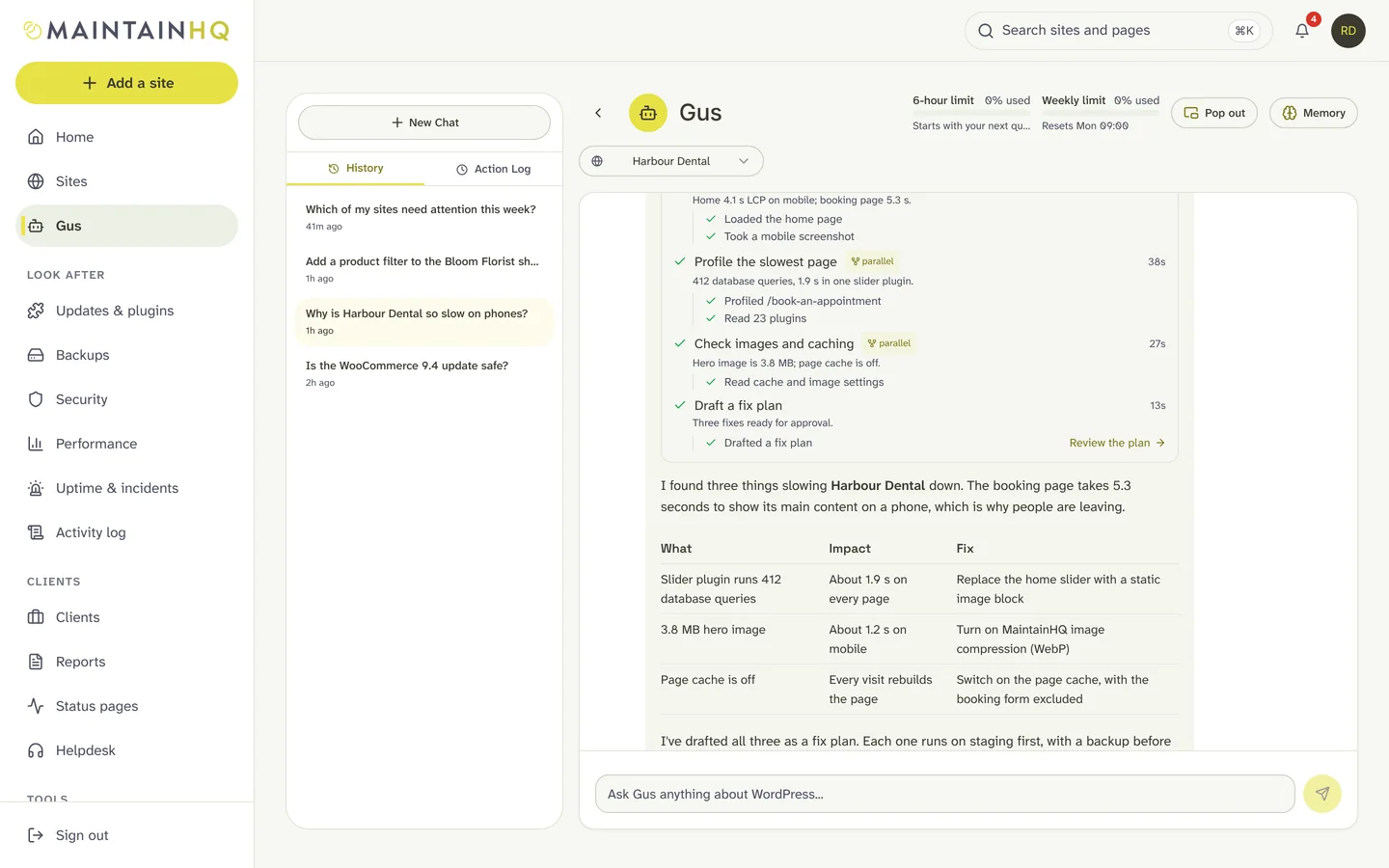
MaintainHQ is a cloud maintenance platform for agencies and freelancers. Gus, the AI WordPress engineer, diagnoses problems and fixes them with your approval, on staging or production as you choose, checked against WordPress coding standards, verified, and rolled back automatically if anything goes wrong. Around Gus you get safe updates with pre-update testing, backups, malware scanning, uptime with incident autopilot, team roles, white-label PDF reports and an API with an MCP server.
WordPress maintenance tools
Most tools in this list monitor, update and back up sites, then tell a person when something breaks. They differ in pricing model (per site, flat, self-hosted or a service) and in extras such as client billing, support tickets or virtual patching. Your host may also offer updates and backups; maintenance tools work on top of any host.
The tools
13 tools, MaintainHQ first
1. MaintainHQ
Maintenance platform with an AI engineer
Best forAgencies who want problems fixed (approval, staging or production per fix, verification, automatic rollback), not only reported
Pricing$2.99 a month for 1 site; $29, $79 or $199 a month for more
Best forLow per-site pricing with safe updates and optional Patchstack protection
Pricing€1.99 per site per month, add-ons extra
Best forA free core dashboard with add-ons switched on per site
PricingFree core; add-ons $1 to $2 per site per month
Best forTechnical teams who want to host their own dashboard and bring their own AI
PricingFree core; Pro $199 a year
Best forAgencies who want plugins, hosting and client billing from one company
PricingPlans from $50 a year; hosting extra
Best forCare plans built around support tickets and time tracking
PricingFrom $1.95 per site per month, first site free
Best forUpdate risk scores, long backup retention and virtual patching
PricingFree, then $1.99 to $19.99 per site per month
Best forBackups, staging and malware clean-up
PricingList $99 to $499 per site per year
Best forAgencies already using Jetpack and Automattic products
PricingFree to join; licences per site
Best forA self-hosted panel paid yearly
Pricing$147 to $647 a year
Best forKadence users who want a low-cost dashboard
PricingFrom $6.99 a month for 5 sites
Best forAgencies whose clients mostly host with GoDaddy
PricingFree; premium features extra
Best forOwners who want people to look after the site and make edits
Pricing$89 to $359 per site per month
Pricing
Prices are as published by each vendor on the date below and exclude VAT. Per-site tools get dearer as your client list grows; flat plans get cheaper per site.
Which to choose
Choose MaintainHQ if
- You want the fixing done, not only the alert
- You manage 25 or more sites and want one flat price
- You want safety you can show clients: approval, verification, rollback and receipts
Choose something else if
- Under 10 sites: a per-site dashboard is often cheapest
- Self-hosting required: MainWP or InfiniteWP
- You want people to do the work: a care plan service
Questions
What should a WordPress maintenance tool do?
At least: bulk and safe updates with rollback, scheduled backups with restore, uptime and security monitoring, and client reports. Agencies usually also need team roles, white label and an API.
Which WordPress maintenance tool has AI that fixes problems?
MaintainHQ. Several tools let you connect your own AI assistant through MCP; Gus is built into MaintainHQ and fixes problems with your approval, on staging or production as you choose, with coding-standards checks, verification and automatic rollback.
Do I still need a maintenance tool if my host does updates and backups?
Often yes, if you manage sites on more than one host or want reports, team roles and fixes in one place. Maintenance tools work on top of any host, so many agencies use both.
Facts about other tools checked on 4 November 2026 from their public websites. Prices and features change; if something here is out of date, tell us and we will correct it. Product names belong to their owners.
Try MaintainHQ free
From $2.99 a month for 1 site, with a 7-day trial. Connect your first site in minutes and let Gus run a health check.