Backups
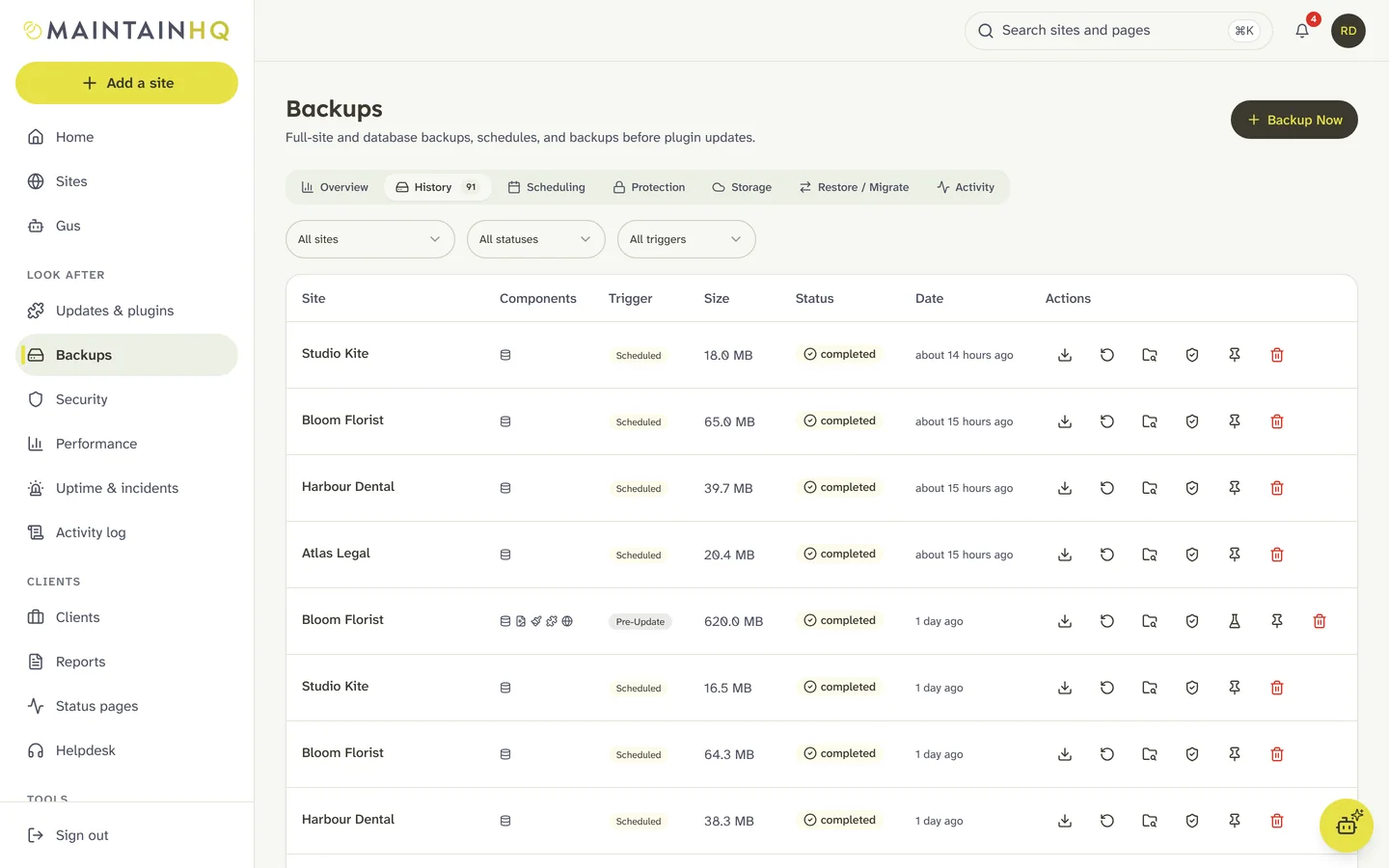
Backups you can prove will restore.
Scheduled and incremental backups, copies in your own storage, a change journal for busy shops, and every backup checked after it is taken.
Included on: Every plan. Incremental and off-site copies on Pro and Agency.
Verified
Every backup checked
5 min
Change journal for shops
Yours
S3, Drive, Dropbox, OneDrive, SFTP
Everything your backups need
See all featuresVerified after every backup
Off-site copies in your own storage
Incremental files and tables
Point-in-time restore for busy sites
Restore just what you need
Clone and migrate
Ransomware-safe copies
Your own encryption key
Copies in storage you own
Every backup is copied to your own storage as well as MaintainHQ storage, with daily, weekly and monthly copies kept per destination.
- Amazon S3
- Backblaze B2
- Wasabi
- Cloudflare R2
- DigitalOcean Spaces
- MinIO
- Google Drive
- Dropbox
- OneDrive
- SFTP server
Verification
Checked after every backup
Every backup is checked after it lands, so you know it will restore before you ever need it.
- The archive opens
- The manifest matches
- The database dump parses
- Each table has the rows the site wrote
- Scheduled test restores import into temporary tables on the site, are checked, then removed
- Failures alert you
Frequently asked questions
How do I know a backup will restore?
Every backup is checked after it lands: the archive opens, the manifest matches, the database dump parses and each table has the rows the site wrote. You can also schedule test restores, which import the backup into temporary tables on the site, check them and remove them.
Where can backups be copied?
To your own S3-compatible bucket (Amazon S3, Backblaze B2, Wasabi, Cloudflare R2, DigitalOcean Spaces, MinIO), Google Drive, Dropbox, OneDrive or an SFTP server, as well as MaintainHQ storage.
What does point-in-time restore cover?
Posts and pages, post meta, comments, terms, users, settings and WooCommerce orders, order items and customers, recorded as they change and sent every five minutes. Files, tables other plugins keep for themselves and changes made by direct database queries come from the nearest backup instead.
Can MaintainHQ read my encrypted backups?
No. With your own passphrase, backups are encrypted on the site and we never store the passphrase, so we cannot restore them without it. Keep it safe.
Ready to transform your WordPress workflow?
Join the founding agencies putting Gus on their care plans, so retainers stay profitable.
Start free trialFrom $2.99 a month for 1 site. Every plan starts with a 7-day trial.